
Quick steps
Find a planning application by postcode
- 1Find your council — use the postcode lookup on GOV.UK if unsure.
- 2Go to the council's planning search portal (usually Idox, Civica, or Northgate).
- 3Enter the address, postcode, or application reference.
- 4Open the application file and check the consultation deadline.
Shortcut: direct links to 300+ council portals
Every planning application submitted to a local planning authority in the UK is published on a public register. Councils are legally required to make this information available, which means you can find applications affecting your home, street, or neighbourhood — often within days of a submission being validated.
This guide explains how to search for planning applications using a postcode or address, what information you can access, and how to act in time if you want to comment.
Why searching early matters
The consultation period on a planning application is typically 21 days from the date it is validated and publicised. Once that window closes, the planning officer can proceed toward a decision without being obliged to wait for late representations.
If you find out about an application after the deadline, your objection may still be noted, but it carries less procedural weight and may not be formally acknowledged. Acting early is critical.
You may want to search because:
- A neighbour has mentioned a renovation or extension project
- Scaffolding or site preparation has appeared nearby
- You want to monitor your street or area proactively for new applications
- You received a formal neighbour consultation letter and want more detail
How council planning portals work
Most councils in England use one of a small number of portal platforms. Understanding which platform your council uses helps you navigate its search features:
| Platform | Common URL pattern | Notes |
|---|---|---|
| Idox Public Access | /planning/search or /publicaccess/ | Used by the majority of English LPAs; consistent interface |
| Civica (formerly Tascomi) | /planning-applications/search | Used by some Welsh and English authorities |
| Northgate (Uniform) | /uniformonline/ | Less common but still active in some areas |
| Bespoke / other | Council-specific | A minority of authorities use proprietary systems |
The easiest way to find your council's portal is to visit Planning Guard's council pages — each page links directly to the planning search portal for that authority.
Step-by-step: searching by postcode or address
Step 1 — Find your council's planning search
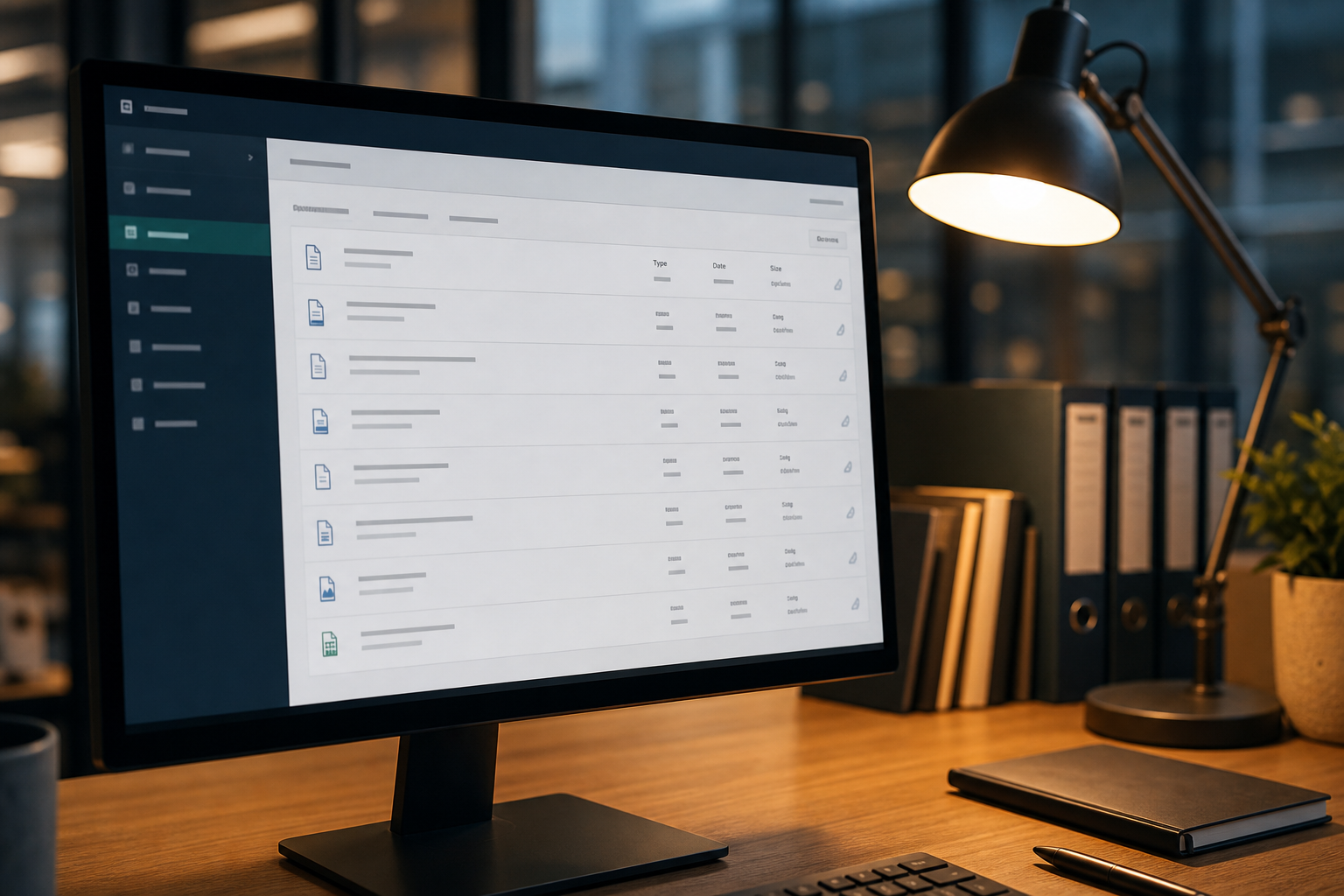
Navigate to Planning Guard's page for your council, or search [council name] planning applications search in a browser. Most councils have a dedicated page on their website labelled "planning search" or "planning register."
Step 2 — Use the postcode or address field
Most portals offer a free-text address field or a postcode-based radius search. Enter your postcode and select a search radius — typically 50, 100, 250, or 500 metres — to see all applications within that distance.
If you are looking for a specific address, enter the full street address directly.
Step 3 — Filter by status
Filter by "Under consultation", "Awaiting decision", or "Live" to find applications still within the comment period. You can also filter by date received (useful for finding recent submissions) or application type (householder, full planning, prior approval, listed building, etc.).
Step 4 — Open and review the application file
Click into an application to access:
- Application documents — site plans, floor plans, elevations, design and access statement, supporting technical reports (heritage assessments, transport statements, noise assessments)
- Consultation responses — statutory consultee comments from bodies like National Highways, Historic England, the Environment Agency, and your council's own highways and ecology teams
- Representations received — all public comments submitted so far, visible once the consultation is open
- Consultation end date — the deadline for submitting your own comments
Note the application reference number — you will need it if you submit a representation by email or post rather than via the portal.
Step 5 — Submit your representation
Most portals allow online submission directly from the application page. Alternatively, representations can usually be sent by email or post to the planning officer — check the application detail page for their contact information.
For guidance on structuring an effective objection, see how to write a planning objection letter and material planning considerations explained.
National planning search tools
Planning Portal
The Planning Portal — the government-backed national planning system — hosts a map-based application search covering many English councils, though coverage is not universal. It also manages the national online submission system for planning applications.
Planning Data (MHCLG)
The Ministry of Housing, Communities and Local Government operates planning.data.gov.uk, which provides open data APIs for planning information across England. Primarily used by developers and data professionals, but publicly accessible.
The Planning Inspectorate
For planning appeals — where an applicant has challenged a council's refusal — the Planning Inspectorate casework portal is the definitive database, searchable by address, postcode, or authority. Appeal decisions are permanent public records. See how planning appeals work.
Setting up email alerts
Some council portals allow you to register for email notifications when new applications are submitted for a given postcode, street, or defined area. This is the most reliable way to monitor without manual checking.
To set up alerts:
- Create a free account on your council's planning portal
- Look for a "notify me", "subscribe", or "alerts" option — often in account settings or on the search results page
- Set your preferred postcode, radius, and application types
Not all portal systems support this. If yours does not, a periodic manual check every two to three weeks is the practical alternative.
What to do when you find an application
- Read the validated documents carefully to understand exactly what is proposed — the decision notice description and the application form are the starting point
- Check the consultation deadline — locate "consultation expiry date" or "comment deadline" on the application summary page
- Identify material planning issues — overlook, loss of light, highways, heritage, flooding; see what counts as a material planning consideration
- Prepare and submit your representation before the deadline — late submissions may not be formally considered
See planning application deadlines explained for more on timescales and what happens if you miss the window.
Searching for historic decisions and appeal outcomes
To review what the council decided on previous applications at a neighbouring property:
- Search the portal by full address and filter by "Decided" status
- Review past decision notices to understand existing conditions, previously approved works, or prior refusals
- A history of related decisions adds context to any current objection
For appeal decisions at a specific site, search the Planning Inspectorate portal — all appeal decisions are held there permanently.
Frequently asked questions
Can I see who has objected to a planning application?
Yes. Once the consultation period is underway, most councils publish all representations on the planning register. The objector's name and address are typically visible; some portals allow partial anonymisation on request (name visible, address suppressed). See are planning objections anonymous? for more detail.
What if the council's portal is down or shows no results?
Contact the planning department directly by phone or email. Councils are required by law to provide access to the planning register. You can also ask for a paper copy of application documents.
Is there a single national search for all UK planning applications?
No single unified national system covers all UK councils. Planning Portal covers most English LPAs; separate systems operate for Wales (TerraQuest/Planning Portal Wales), Scotland (ePlanning Scotland), and Northern Ireland (Planning Portal NI).
How far back can I search on council portals?
Most councils' online portals hold records from approximately 2000 onwards. Earlier applications are in paper archives; contact the planning department if you need historic records.
Can I get notifications about applications near me without using the council portal?
Some third-party property and planning services offer broader notification tools for professional users. For most homeowners, the council portal's alert function (where available) is the most straightforward option.
Found an application you want to comment on? Use Planning Guard's free material-grounds scan to check which policy arguments carry weight, then consider an editable letter draft ready to submit before the deadline — not legal advice; verify all citations before lodging.
More from this series
- Loss of privacy & overlooking planning objections (UK neighbour guide)
- Right to light vs planning objection: what neighbours need to know (UK)
- Reasons to object to planning permission (UK): what actually counts
- What happens after the planning objection deadline? (UK)
- How to find planning applications near me (UK)
- Planning objection letter template (UK)
- What counts as a material change of use in planning law? (England guide)
- Your rights as a neighbour during construction after planning permission is granted (UK)
When you are ready to turn this into a structured objection draft, start with the free material-grounds scan — no account needed to scan.
Email updates
Get occasional emails when we publish new planning guides and product updates. No spam — unsubscribe in one click from any message.
Explain your concerns clearly and in your own words
Free material-grounds scan — see what may count as material planning considerations. Optional editable letter from £7.99; you submit to the council yourself.Planning Guard is a drafting aid, not legal advice.
Not legal advice. Planning Guard is a planning tool to help you explore material planning issues and draft letters — not a solicitor or planning consultant. See Terms.